
Grade 6 · Statistics & Probability · 6.SP.B.4
Displaying Data in Box Plots Worksheets
Free, printable, and ready to teach: a practice worksheet, homework, an exit ticket, and an answer key with step-by-step solutions — plus lesson slides you can edit. No sign-up needed.
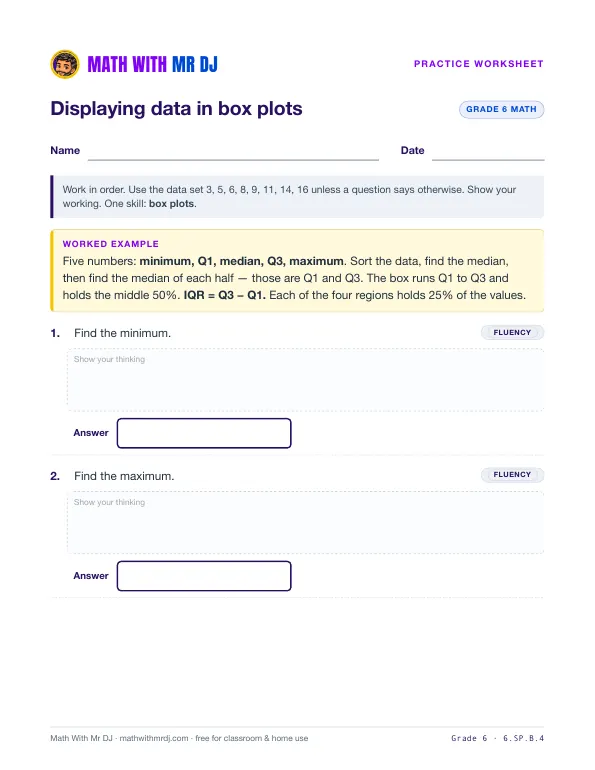 Open the practice worksheet
Download free
- PDFPractice worksheet3 pages · 9 questions
- PDFHomework3 pages · 8 questions
- PDFExit ticket2 pages · 4 questions
- PDFAnswer key with step-by-step solutions9 pages · covers every sheet
- PDFLesson slides8 slides · print or present
- PPTXEditable slidesPowerPoint · opens in Google Slides & Keynote
PDFs print on US Letter paper. Free for classroom and home use.
Step-by-step math videos on the Math With Mr DJ YouTube channel →Key idea
Five numbers: minimum, Q1, median, Q3, maximum. Sort the data, find the median, then find the median of each half — those are Q1 and Q3. The box runs Q1 to Q3 and holds the middle 50%. IQR = Q3 − Q1. Each of the four regions holds 25% of the values.
Sample problems
- Find the minimum.
- Find the maximum.
- Find the median.
- Find Q1.
Common mistakes to watch for
- Gave the first and last values without checking the data was sorted. Always sort first.
- Picked 8 or 10 rather than averaging the middle pair.
- Found the median of the whole set again instead of the median of each half.
The answer key explains each one, so you can tell what a wrong answer means.
How to use this set
- Teach with the slides (about 15 minutes), or watch the video together.
- Practice with the worksheet. Questions climb from fluency to application to reasoning.
- Check understanding with the exit ticket, and send the homework home.
- Mark with the answer key — each answer shows the steps and the most likely mistake.
More Grade 6 worksheets
All Grade 6 →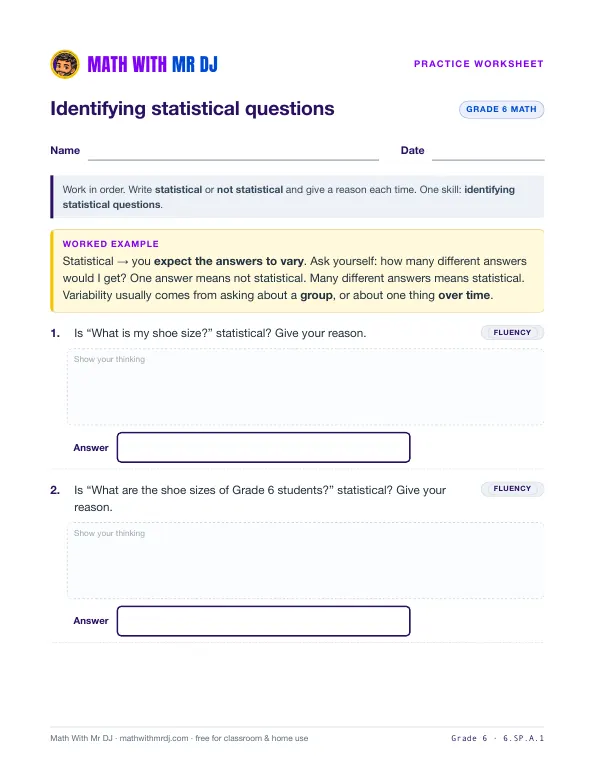 Identifying Statistical Questions6.SP.A.1 · Practice · Homework · Exit ticket · Answer key · Slides
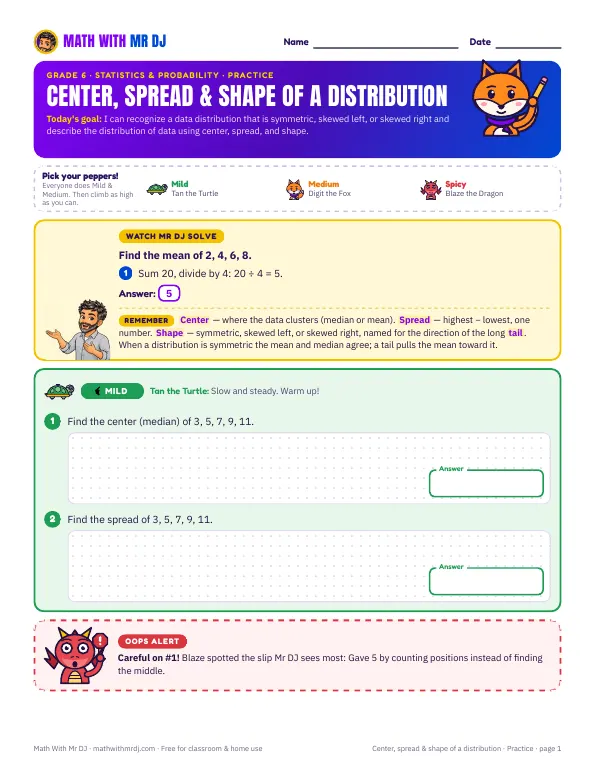 Center, Spread & Shape of a Distribution6.SP.A.2 · Practice · Homework · Exit ticket · Answer key · Slides▶ Video lesson
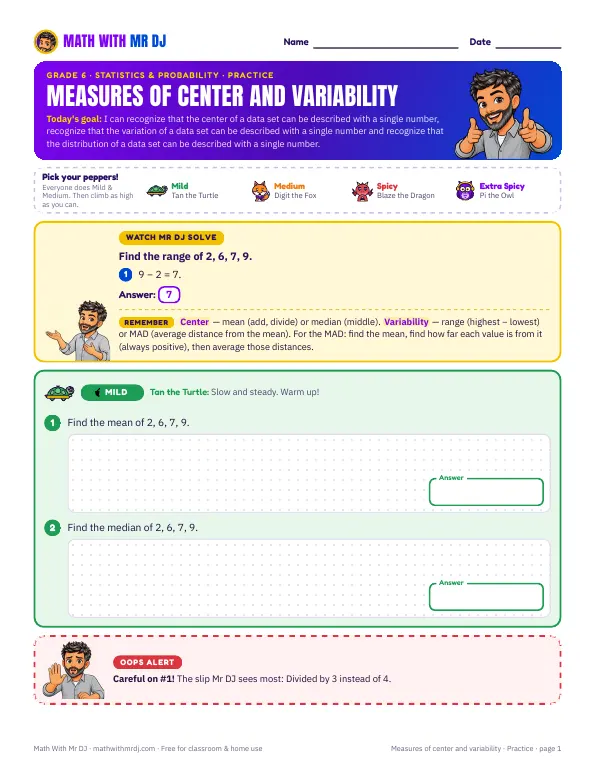 Measures of Center and Variability6.SP.A.3 · Practice · Homework · Exit ticket · Answer key · Slides▶ Video lesson
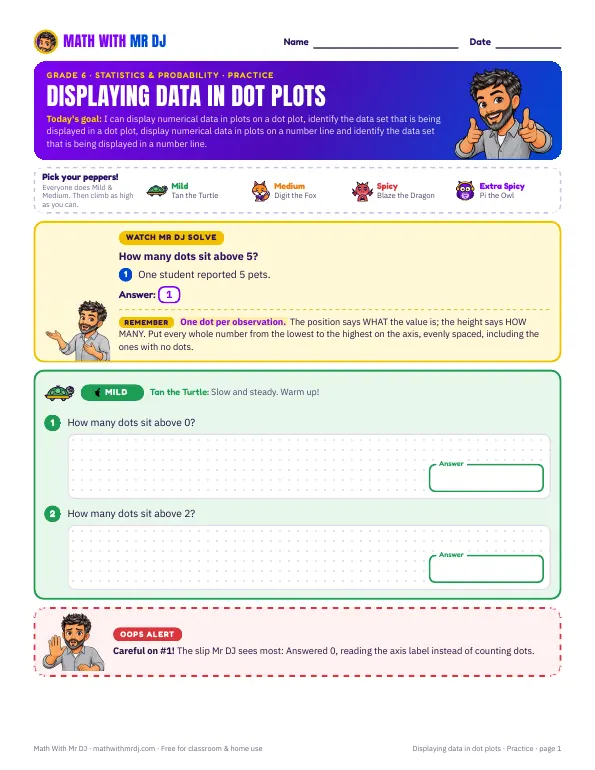 Displaying Data in Dot Plots6.SP.B.4 · Practice · Homework · Exit ticket · Answer key · Slides
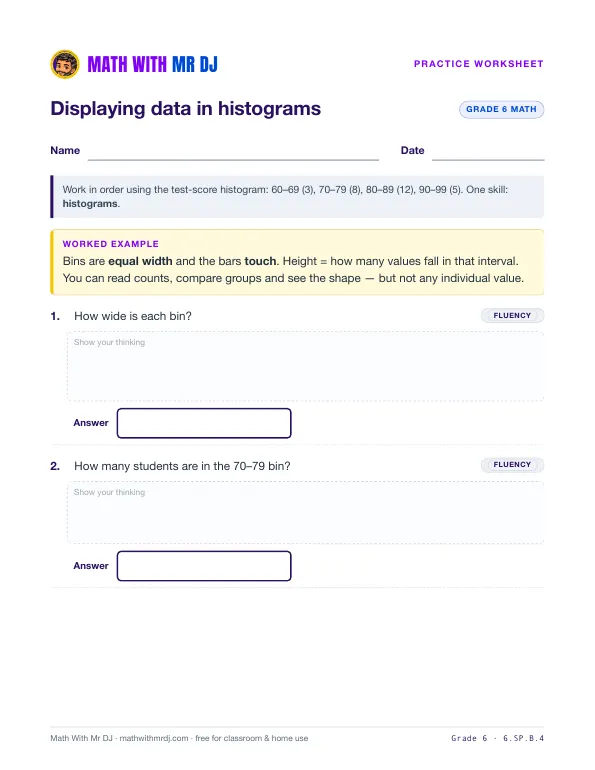 Displaying Data in Histograms6.SP.B.4 · Practice · Homework · Exit ticket · Answer key · Slides
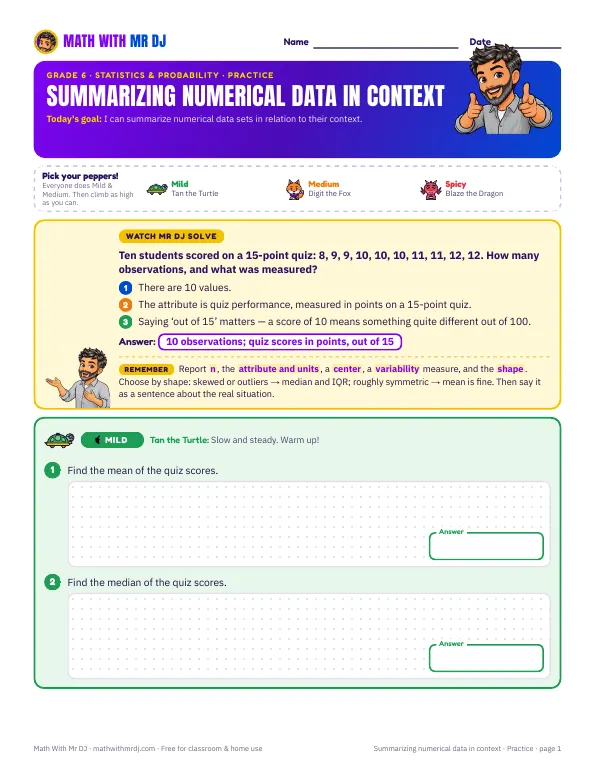 Summarizing Numerical Data in Context6.SP.B.5 · Practice · Homework · Exit ticket · Answer key · Slides▶ Video lesson

Get new worksheets first
New worksheets, videos, and free resources from Mr DJ — about once a month. No spam, ever.